

Safari - Troubleshoot a Website Issue
What is Private Mode?
Private Mode opens a fresh browser window without using your saved browsing data. Websites will load as if you are visiting them for the first time, making it useful for troubleshooting website issues.
How to Open a Private Window?
1. Open Safari.
2. Click File in the top-left corner.

3. Select New Private Window.

4. A new window will open in private browsing mode.
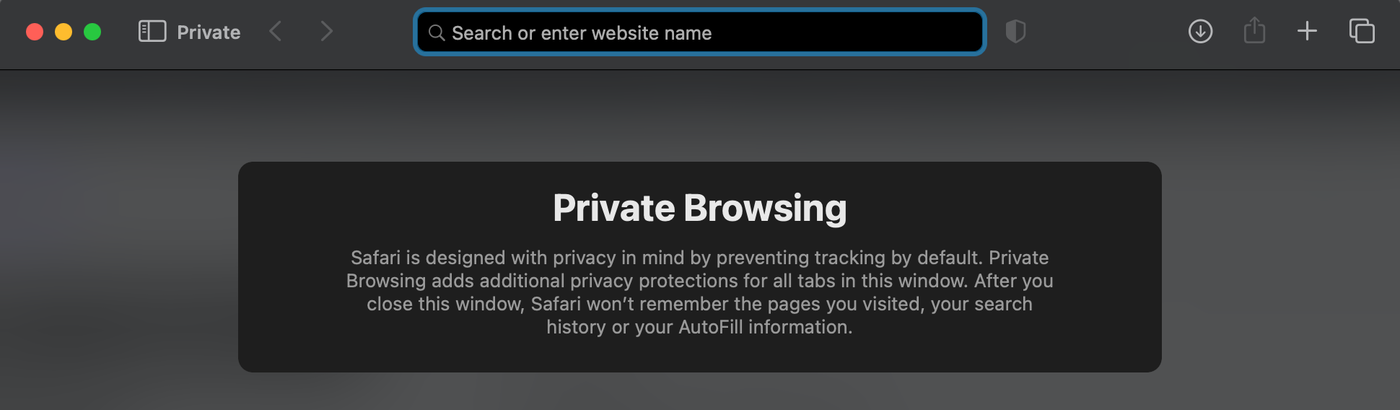
5. In the private window, visit your website by inserting your website URL (e.g., yourwebsite.com) into the address bar.
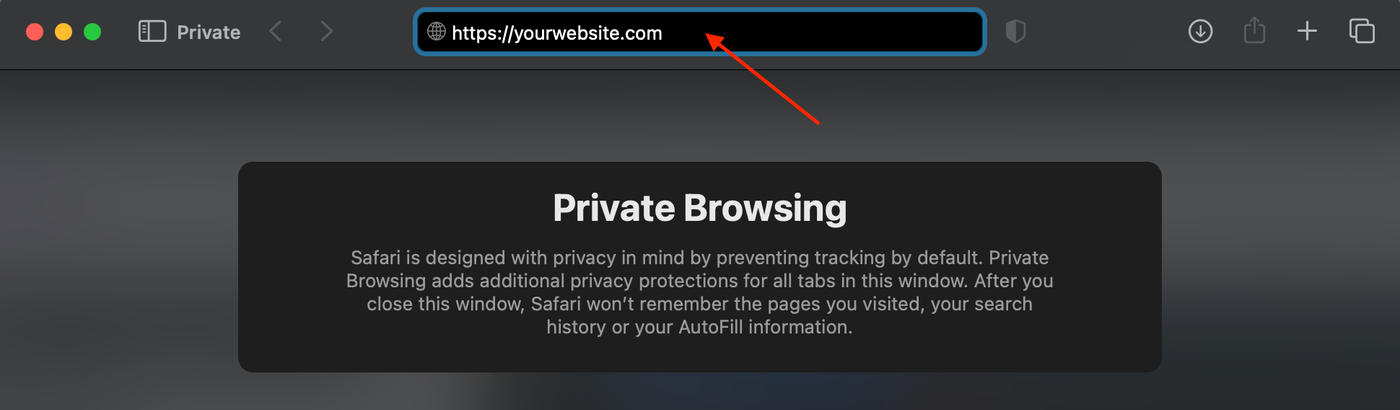
6. Check if the issue still occurs in Private Browsing Mode.