

Organising Your Course Curriculum
A curriculum is a collection of lessons and assessments that will be taught by an instructor. After creating a course, the next step is to organise its curriculum. The curriculum allows you to arrange your learning materials into sections and add lessons and assessments in a logical order.
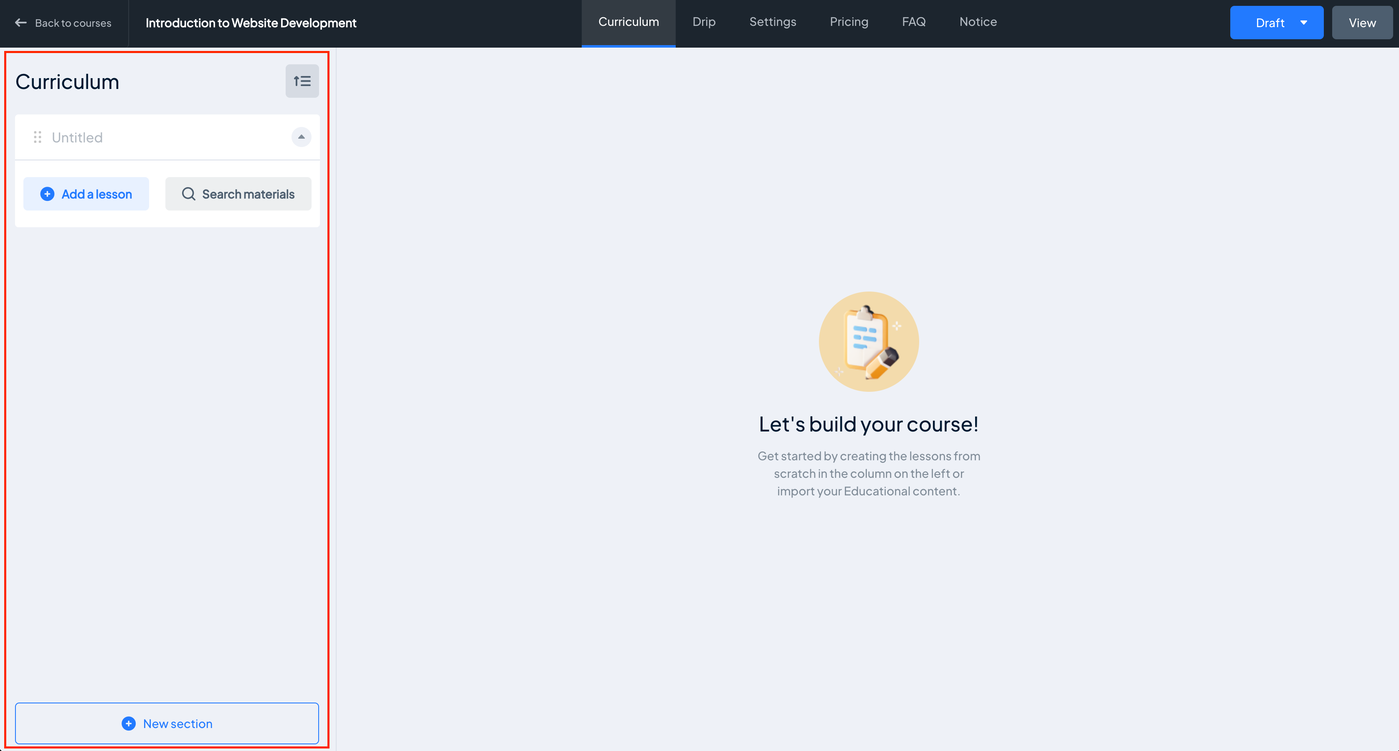
Add a Section
1. Click + New section.
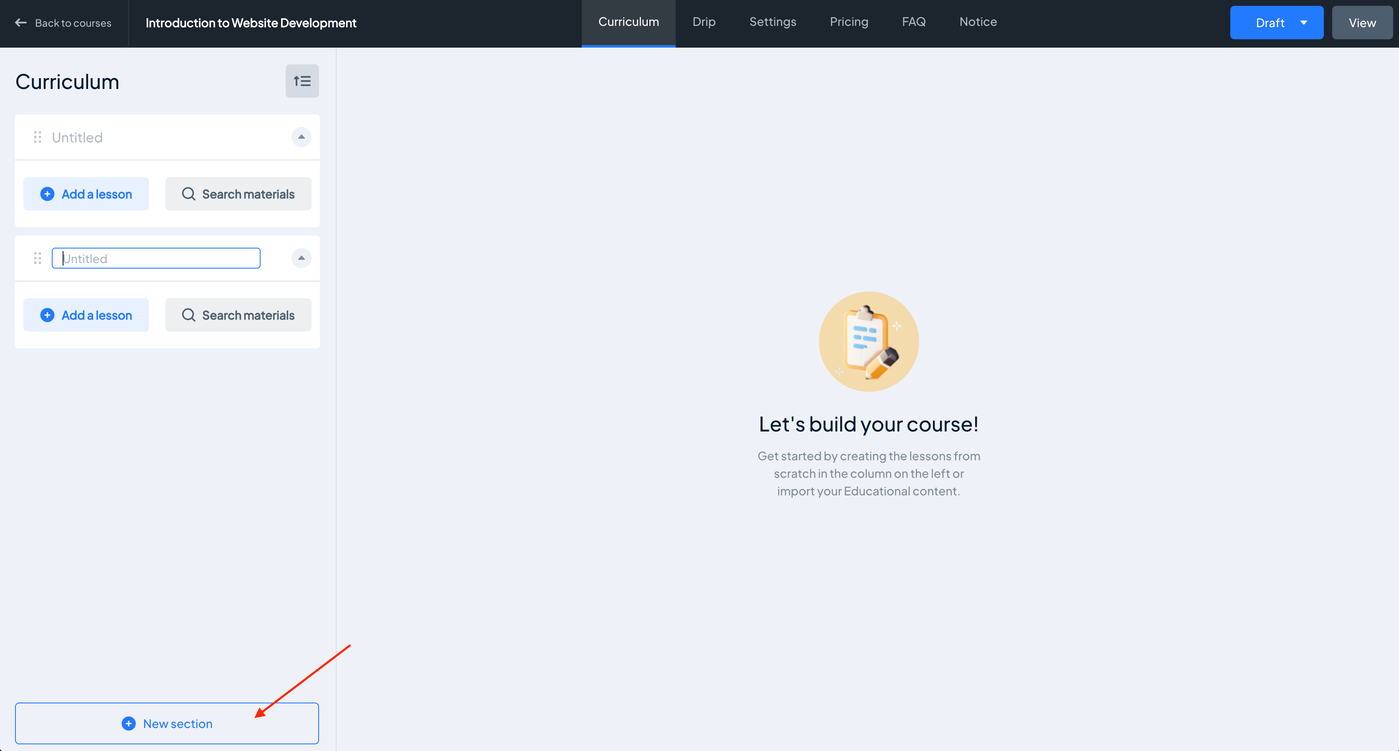
2. Enter a title for the section.
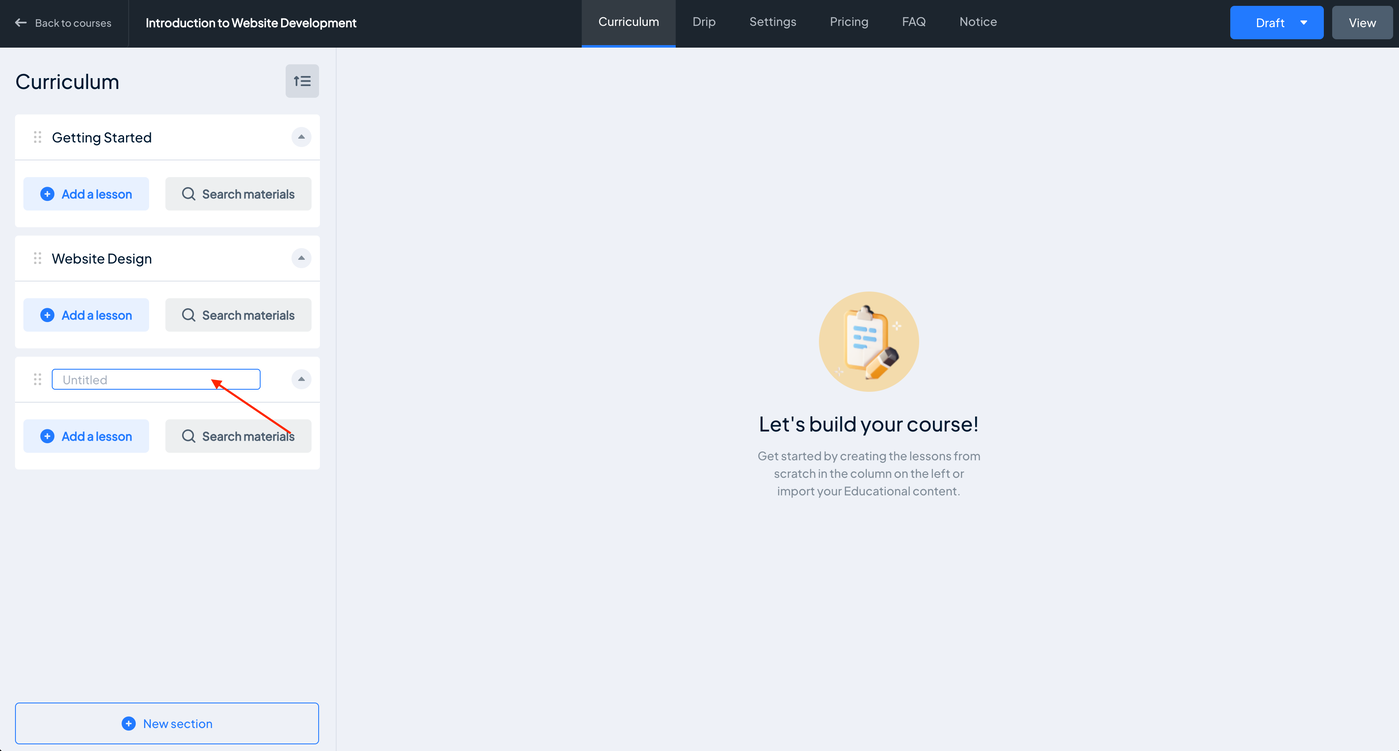
(If needed) Repeat Step 1 and Step 2 to create additional sections.
Add Lessons to a Section
1. Locate the section where you want to add a lesson. Click + Add a lesson or use Search Materials to find and add previously created lessons.
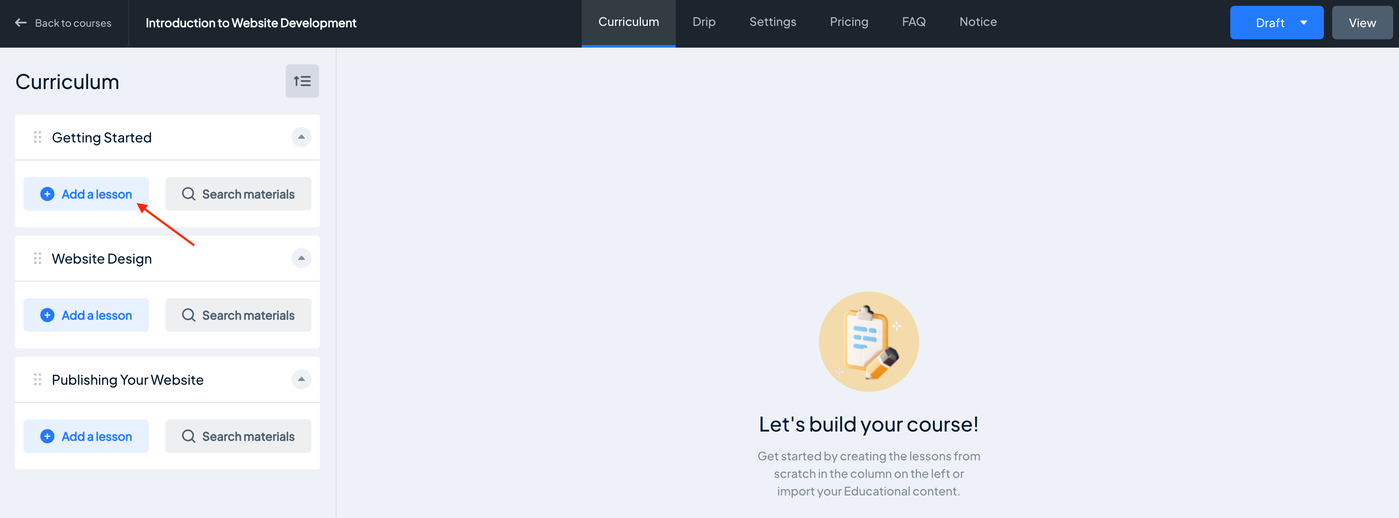
2. Select a lesson type. Example, Text lesson.
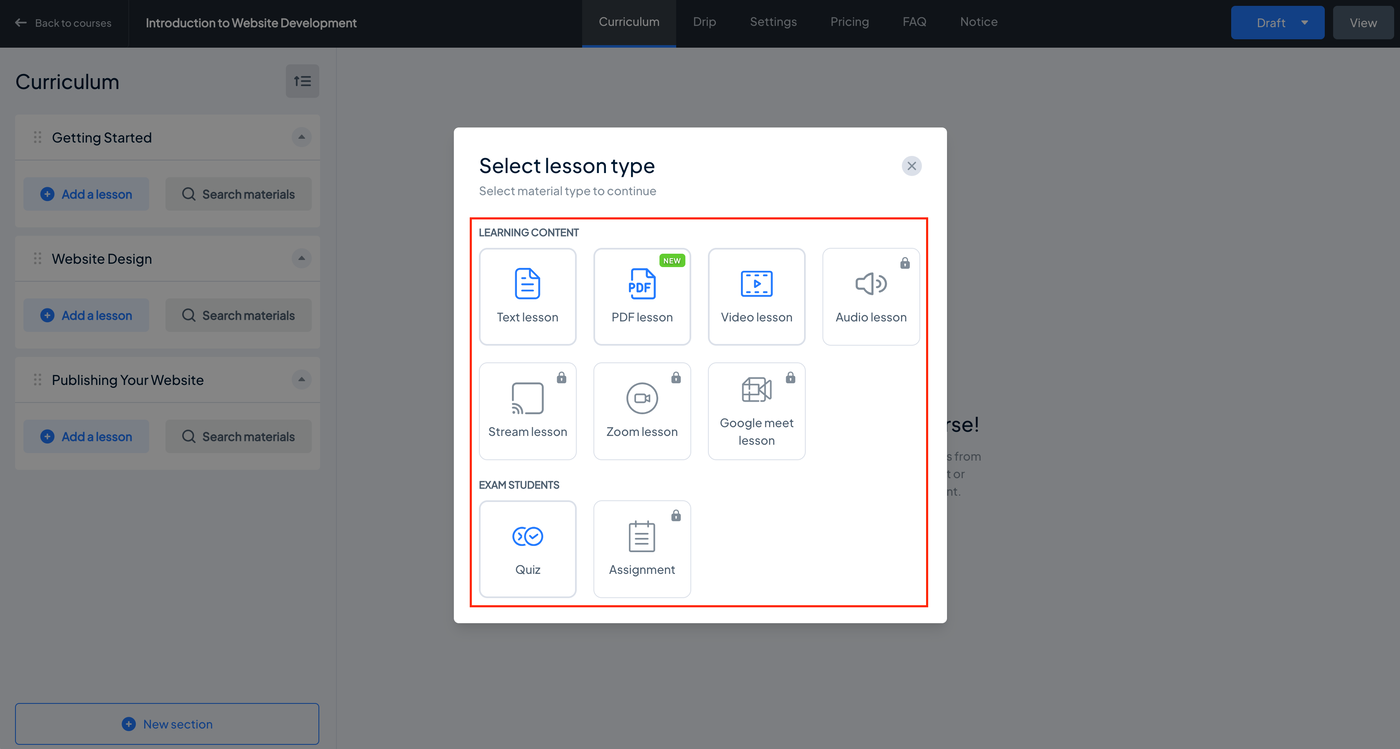
3. Enter the lesson name and fill out the necessary fields.

4. Click the Create button.

(If needed) Repeat all steps to create additional lessons.