

Create a New Course
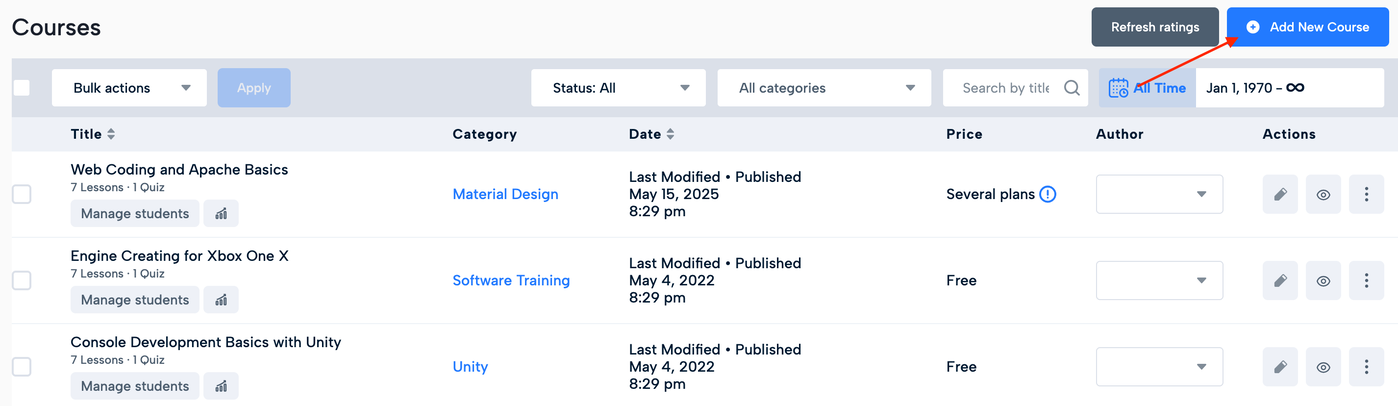
1. To begin creating a new course, navigate to Learning > Courses.
2. Click Add New Course to start creating a course.
3. Enter your course information:
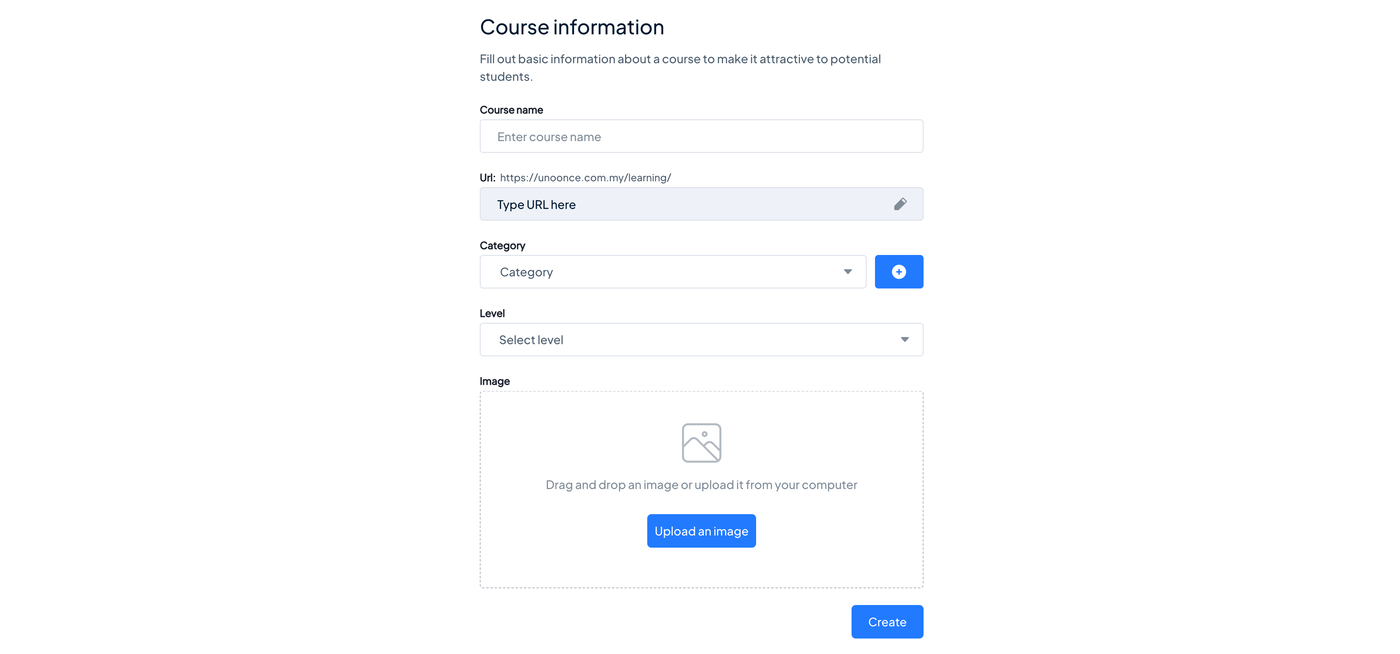
Course Name: Enter the name of your course.
Course URL: Set the URL for your course page, if this field is available.
Course Category: Select a suitable category to organise your course.
Course Level: Select the appropriate difficulty level, if available.
Course Image: Upload an image to represent your course.
4. After completing the required course information, click Create.
Your course will be created, and the Course Builder will allow you to start organising its curriculum. Next, Organising Your Course Curriculum.