

Affiliate Program - Assigning or Removing an Affiliate from a Network
NOTE:
This feature is available as a paid module of Affiliate Program.
You can assign a parent affiliate or change an existing parent to update an affiliate’s position in your affiliate network.
Depending on your multi-tier commission settings, the parent affiliate may earn commissions from referrals made by their downline affiliates.
To assign or change an affiliate’s parent, follow these steps:
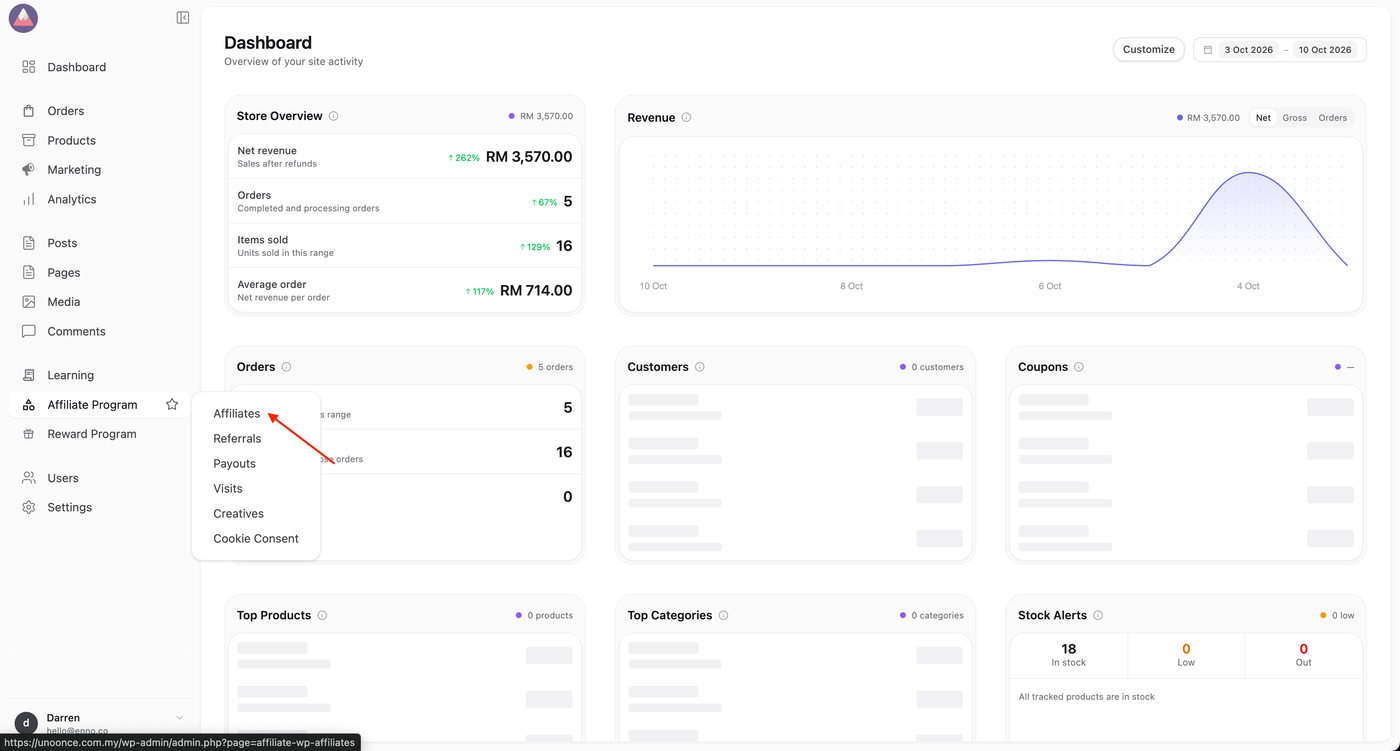
1. Click on Affiliate Program > Affiliates.
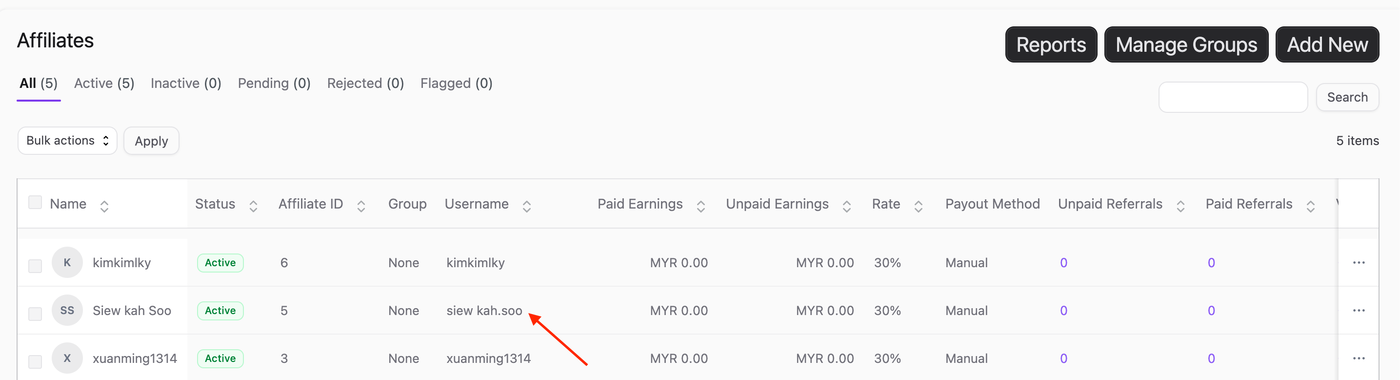
2. Locate the affiliate you want to update. Click on the username.
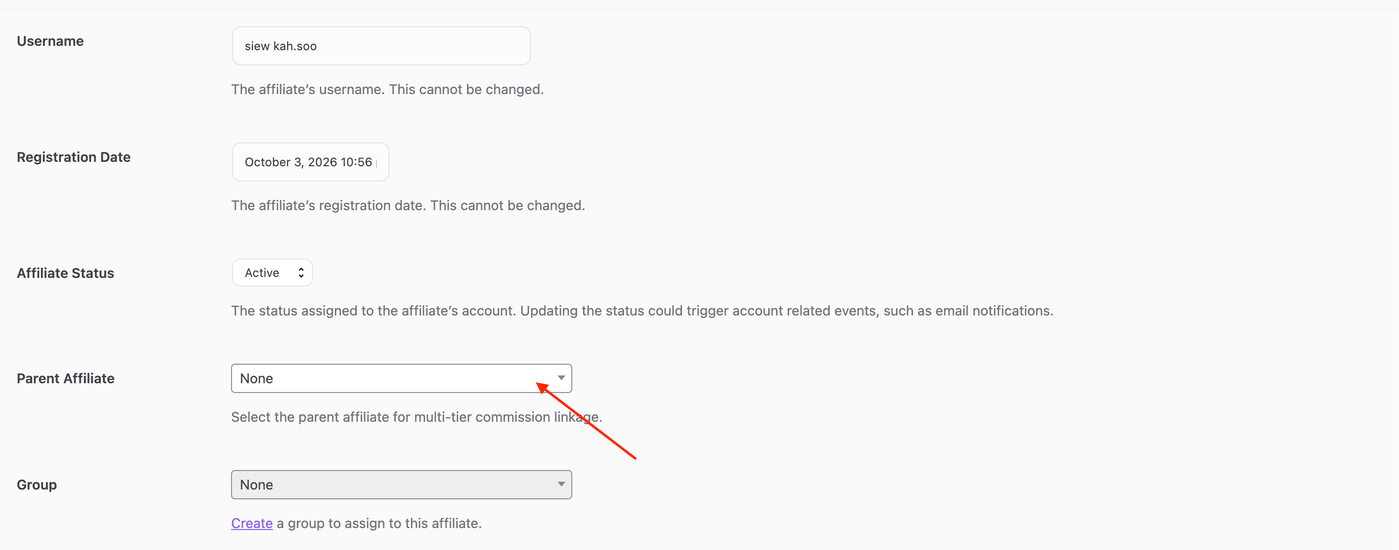
3. Click the Parent Affiliate dropdown To adjust an affiliate’s network position:
To add, select the affiliate you want to assign as the parent.
To remove, select “None“.
4. Click Update Affiliate.