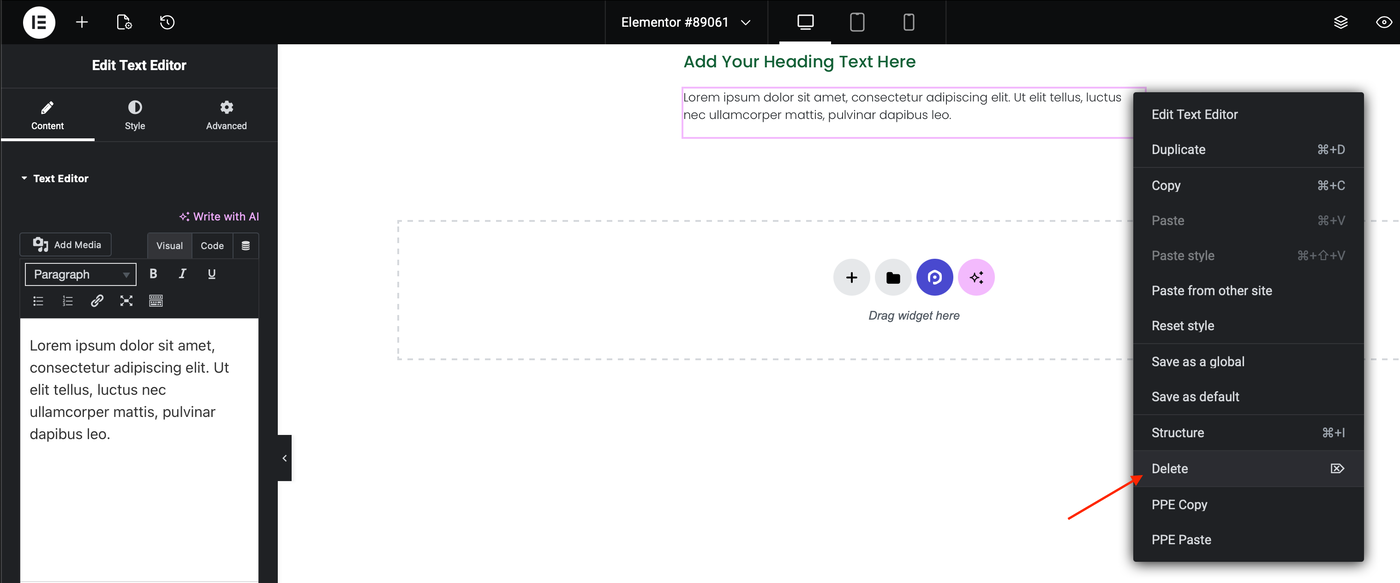

Delete a Container, Nested Container or Element from the Content Area
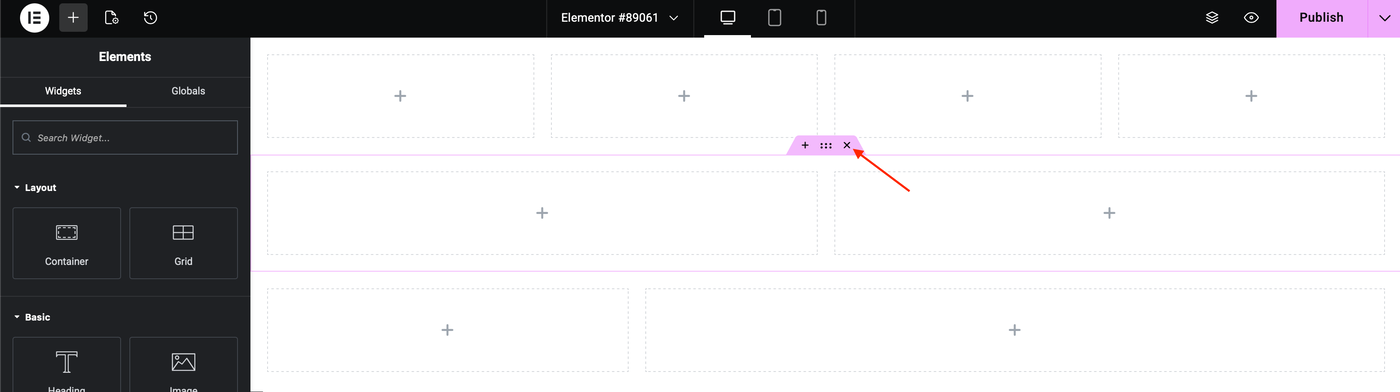
Delete a Container
1. On the content area, point over to a container and click the X icon.
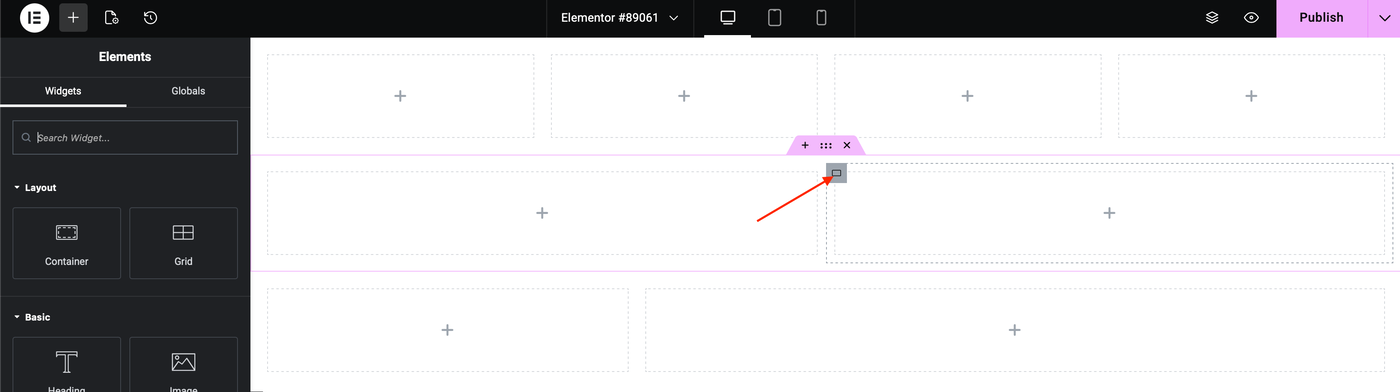
Delete a Nested Container
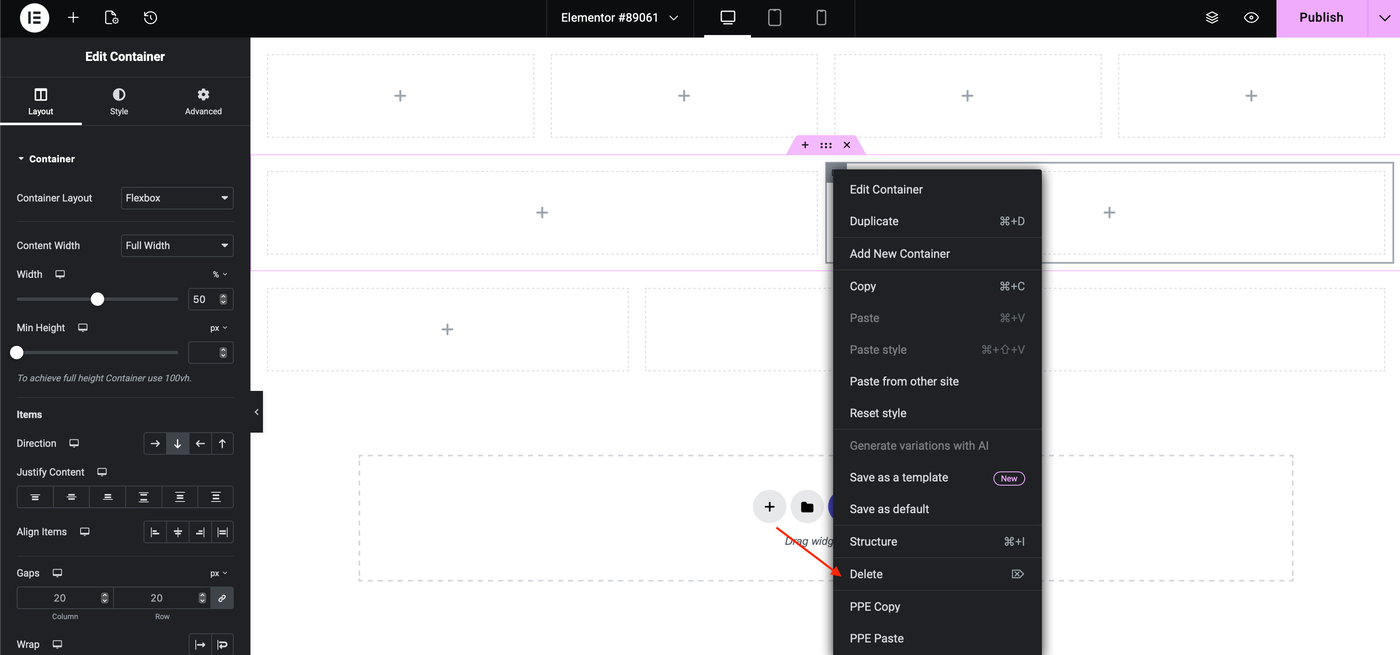
1. On the content area, point over to a sub-container and right-click the Window icon.
2. Choose Delete from the dropdown menu.
Delete an Element
1. On the content area, point over to an element and click the Pen icon.

2 Right-click the Pen icon and choose Delete from the dropdown menu.