

Zoho - Delete users as Administrator
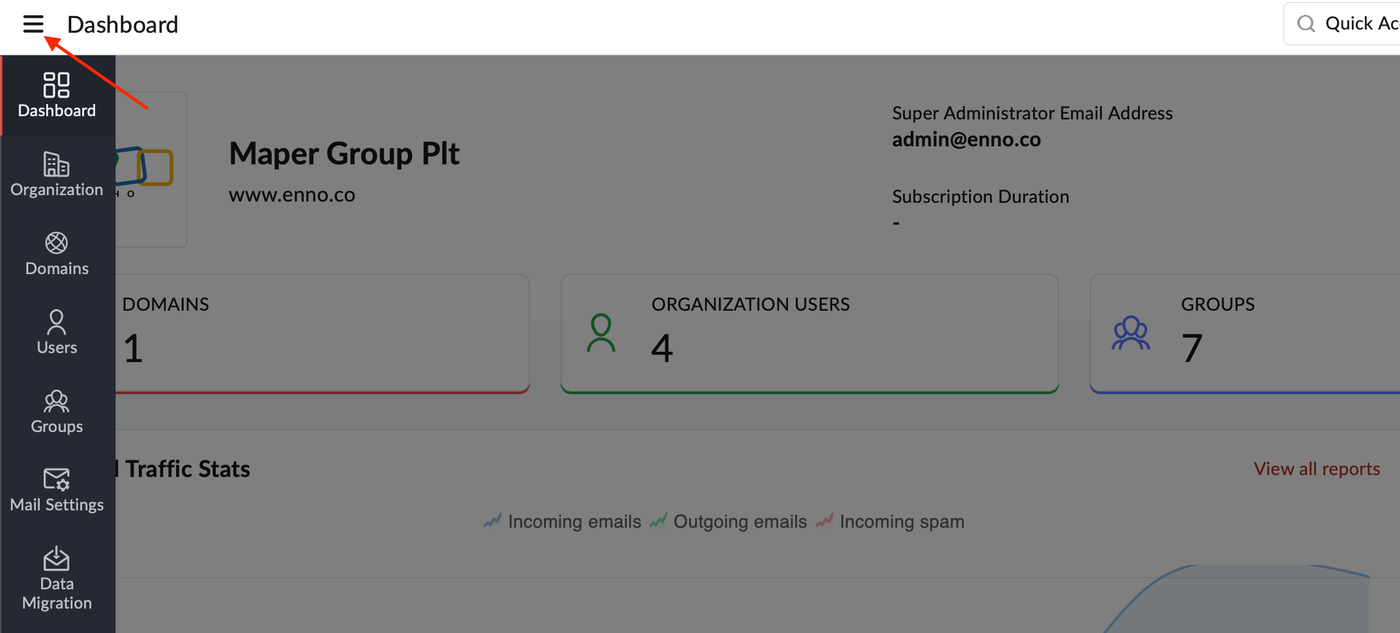
1. Log in to Zoho Mail Admin Console and click the ☰ icon.
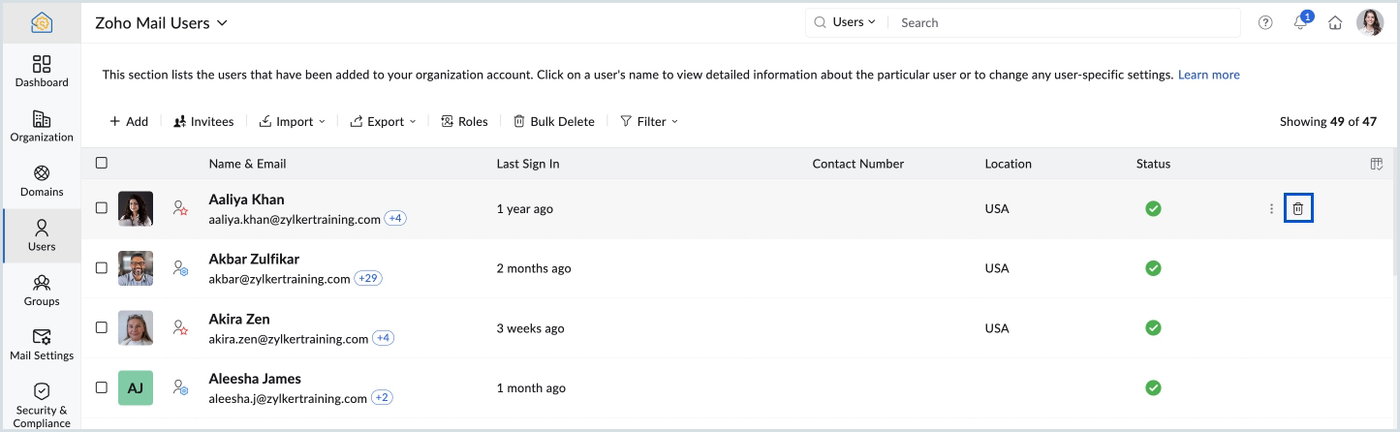
2. Select Users in the left pane and hover over the respective user's name, click the delete icon.
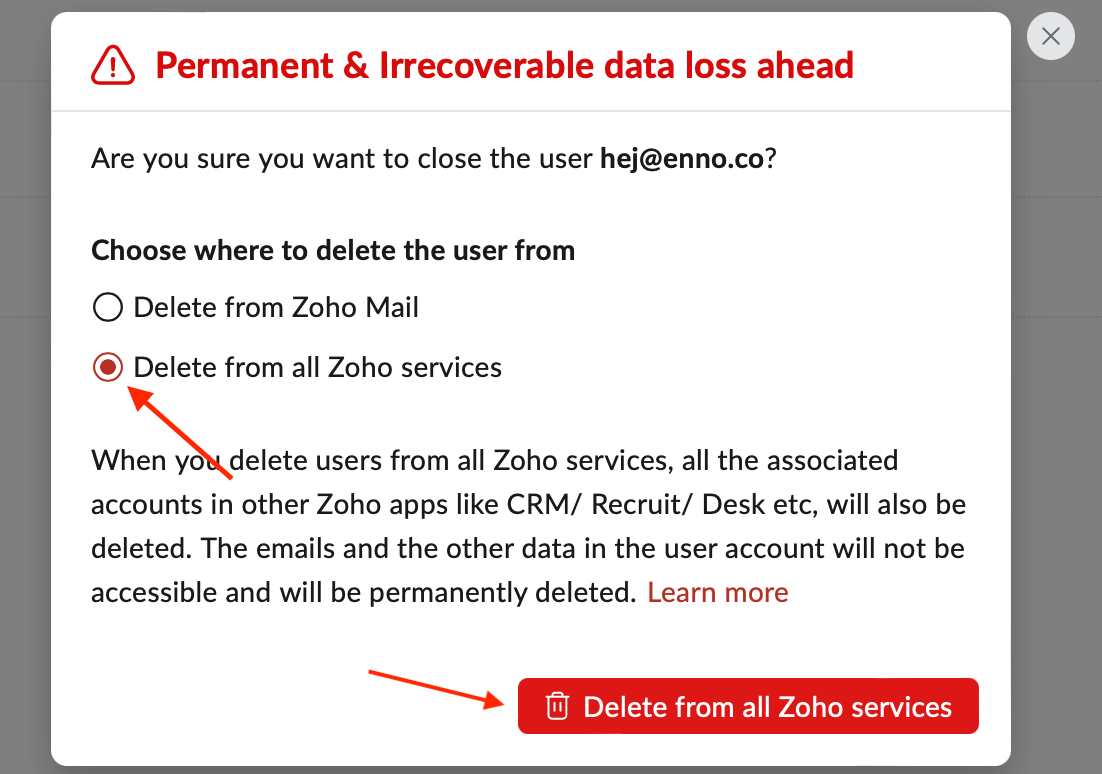
3. Select Delete from all Zoho services and click the Delete from all Zoho services button.
4. You will be prompted to verify your identity by re-authenticating your session for security purposes.
5. Once done, the selected users will be deleted from the services (All Zoho Services, Zoho Mail, or Zoho Workplace) based on your selection.