

Zoho - Add users to your organization as Administrator
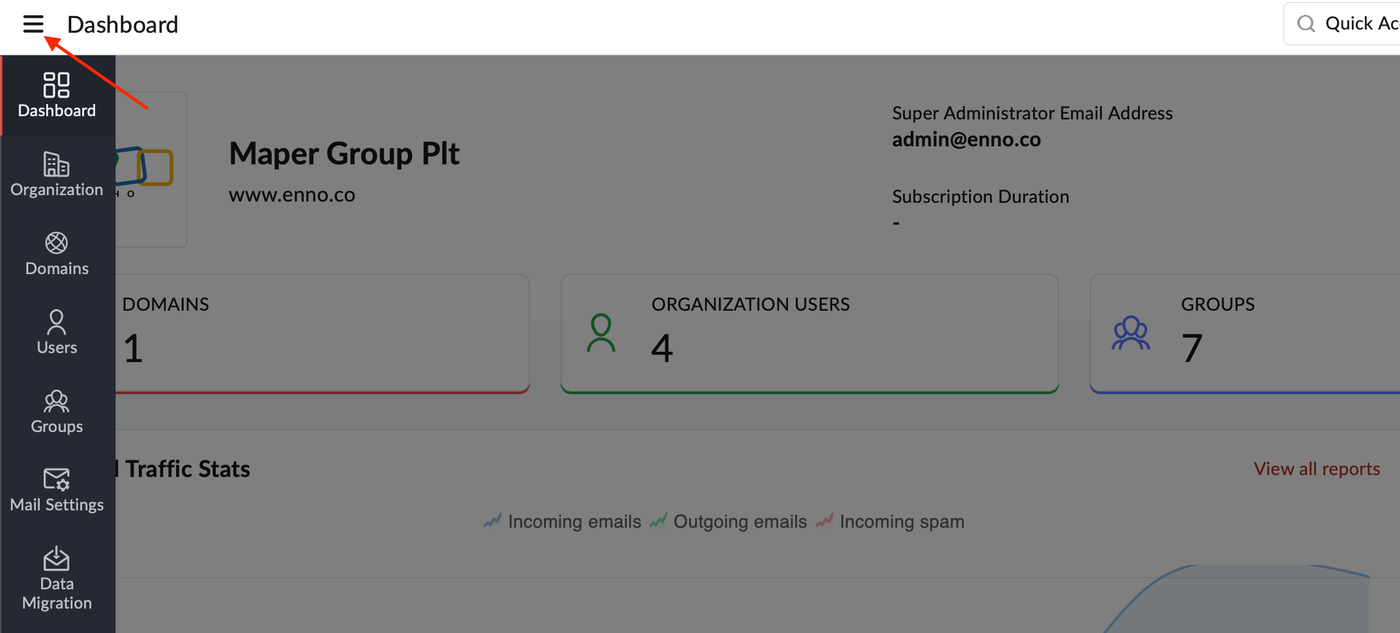
1. Log in to Zoho Mail Admin Console and click the ☰ icon.
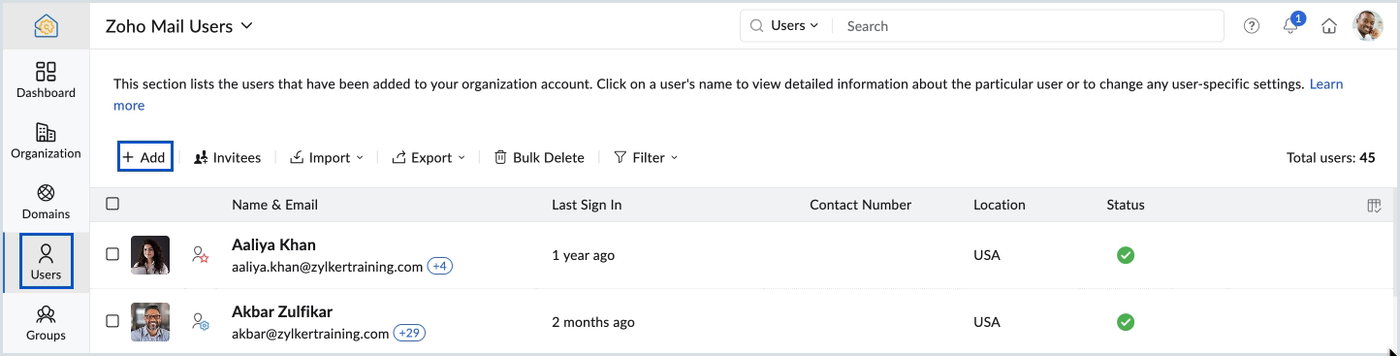
2. Select Users in the left pane and click + Add on the top menu.
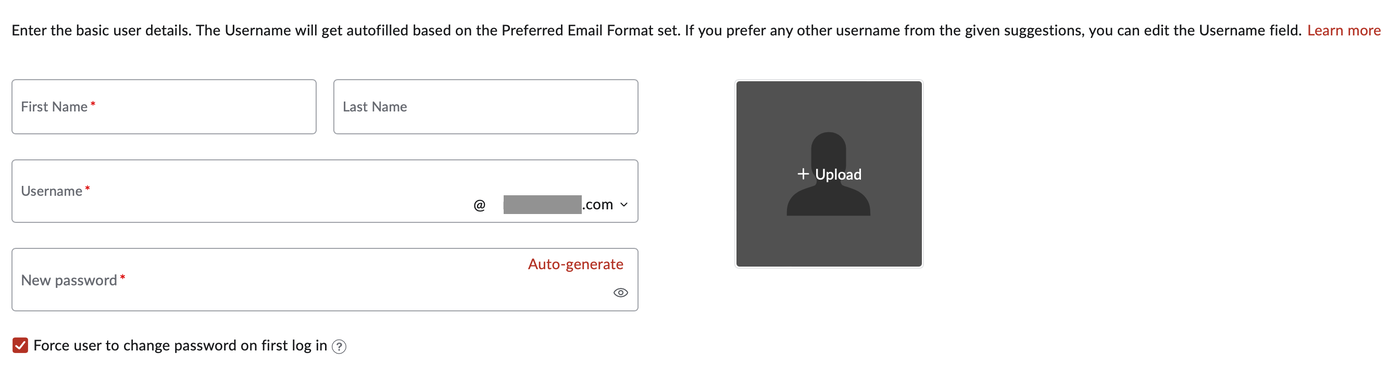
3. Enter the user's First Name, Last Name, Username(Edit if needed) and New Password in the respective fields.
4. Click the Add button.