
Secureserver - Invite a delegate to access my account
1. Go to your Secureserver Delegate Access page. You might be prompted to sign in.
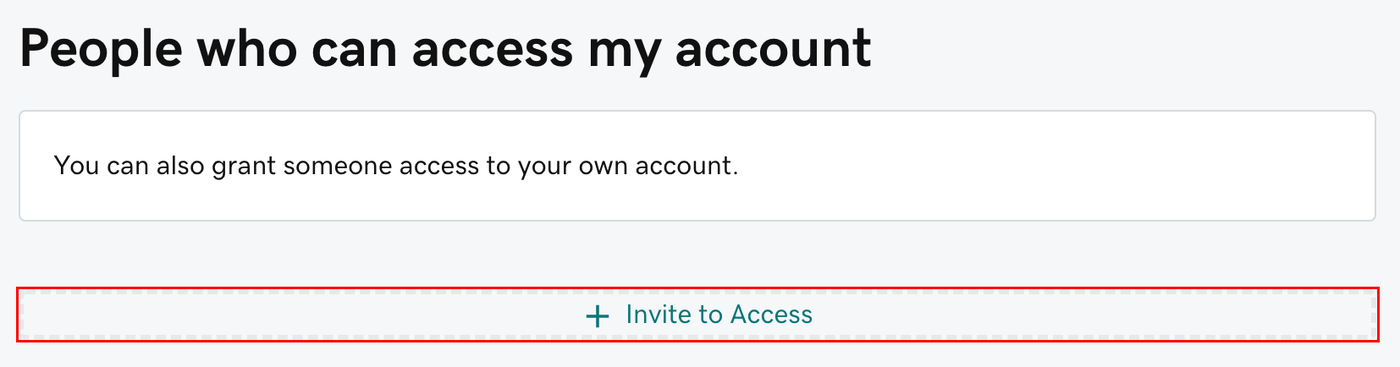
2. Click + Invite to Access button.
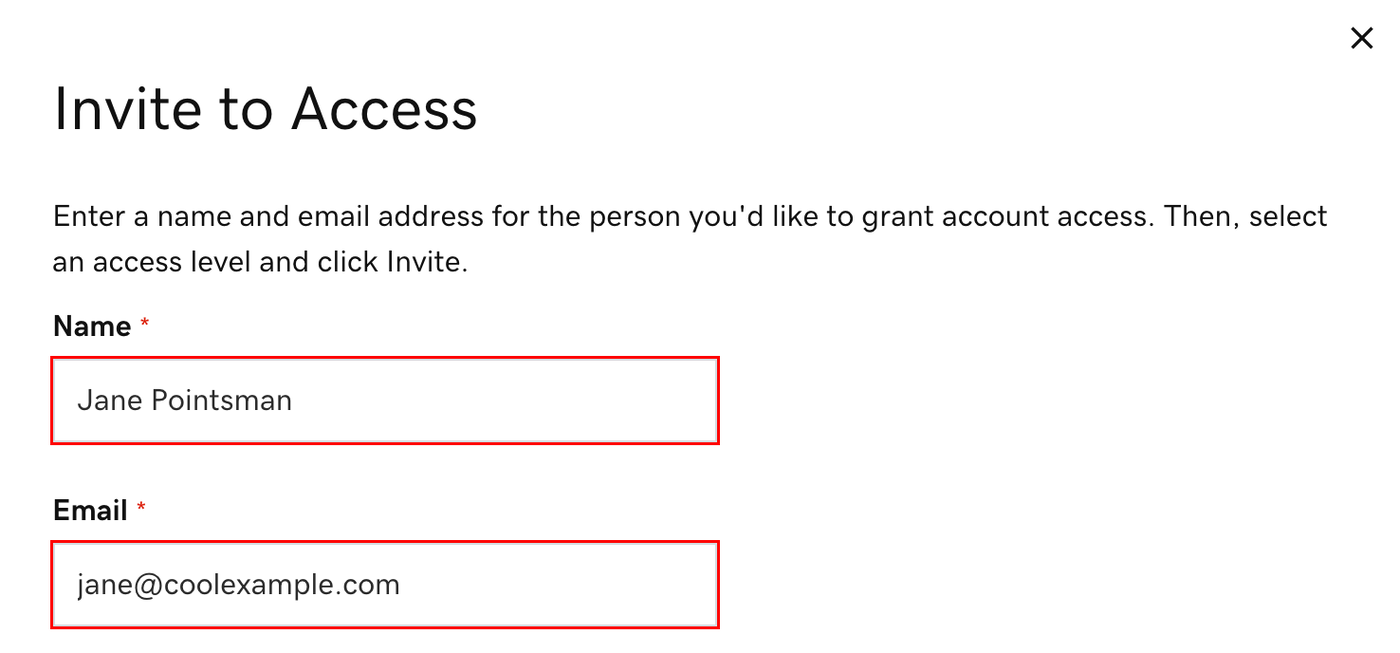
3. Enter the Name and Email address for the person you're inviting.
Inviting Maper as a Delegate (Developer Support)
3.1. Enter Million Wong as name.
3.2. Enter hello[at]simp.co as email address.
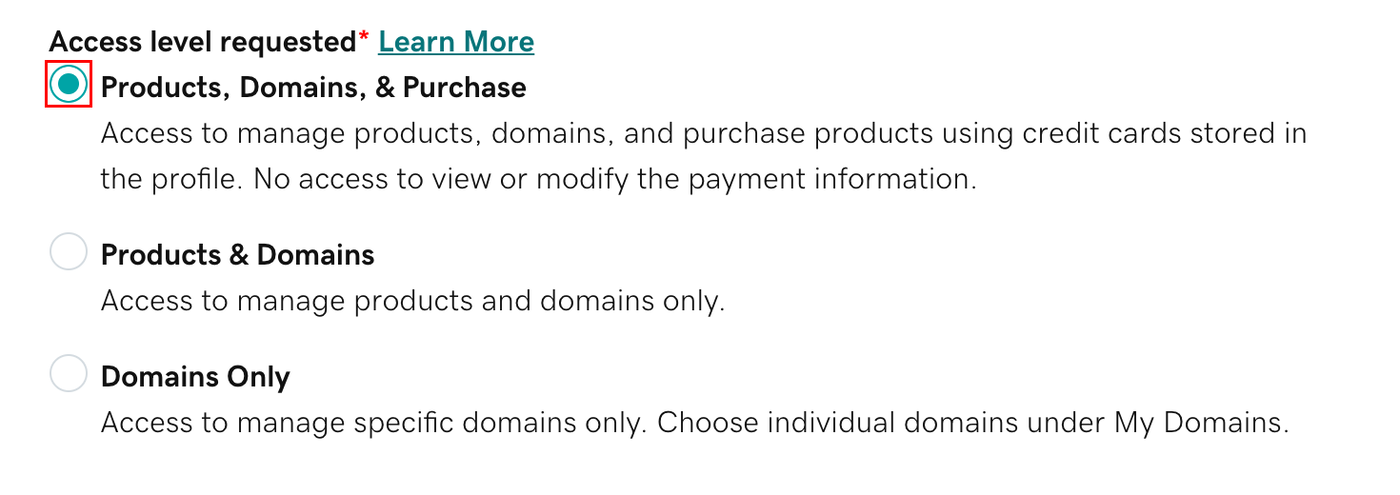
4. Select one of the access levels.
5. Select Invite. We'll send the person an email invitation to access your account. Once the person accepts, we'll let you know.