

Exabytes - Invite a user to access my account
1. Go to https://billing.exabytes.my/mypanel/login and sign in to your account.
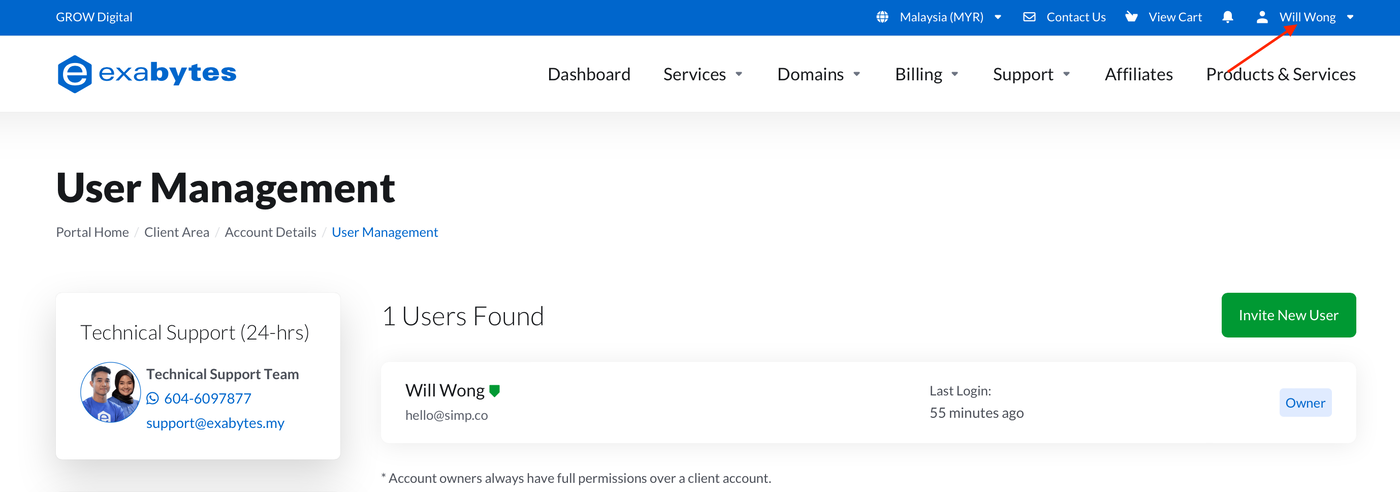
2. Click #Your Name# located in the top right corner.
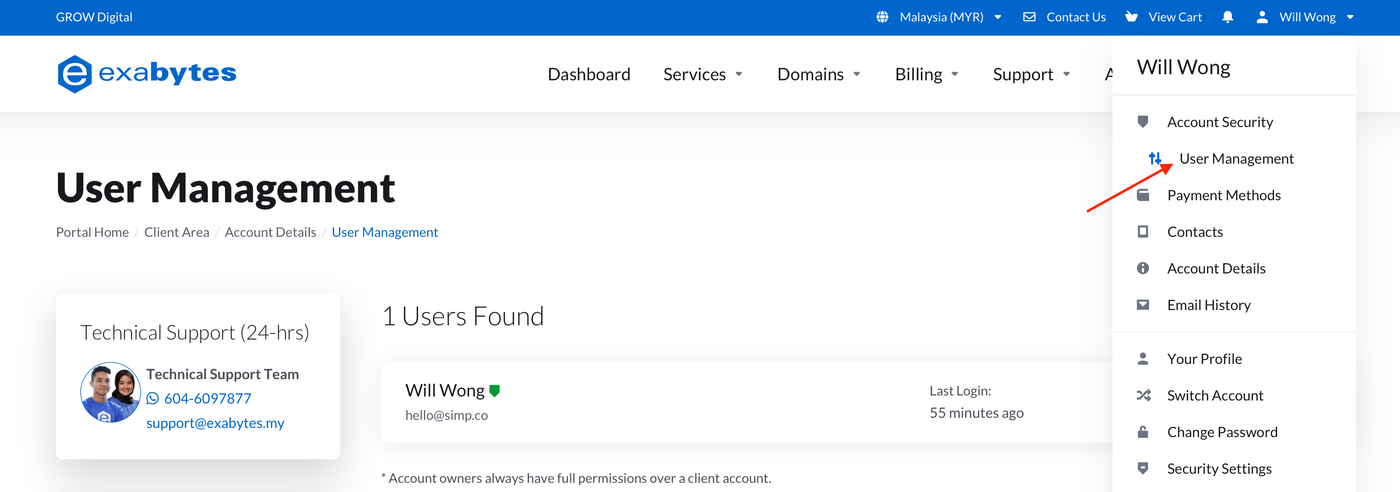
3. Select User Management from the dropdown menu.
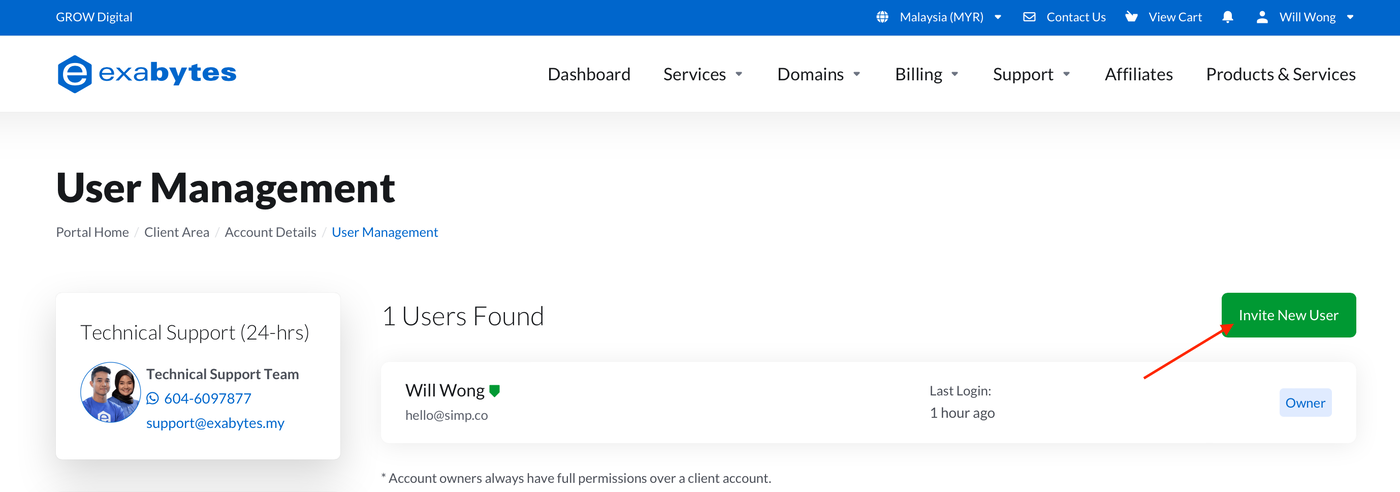
4. Click the Invite New User button.
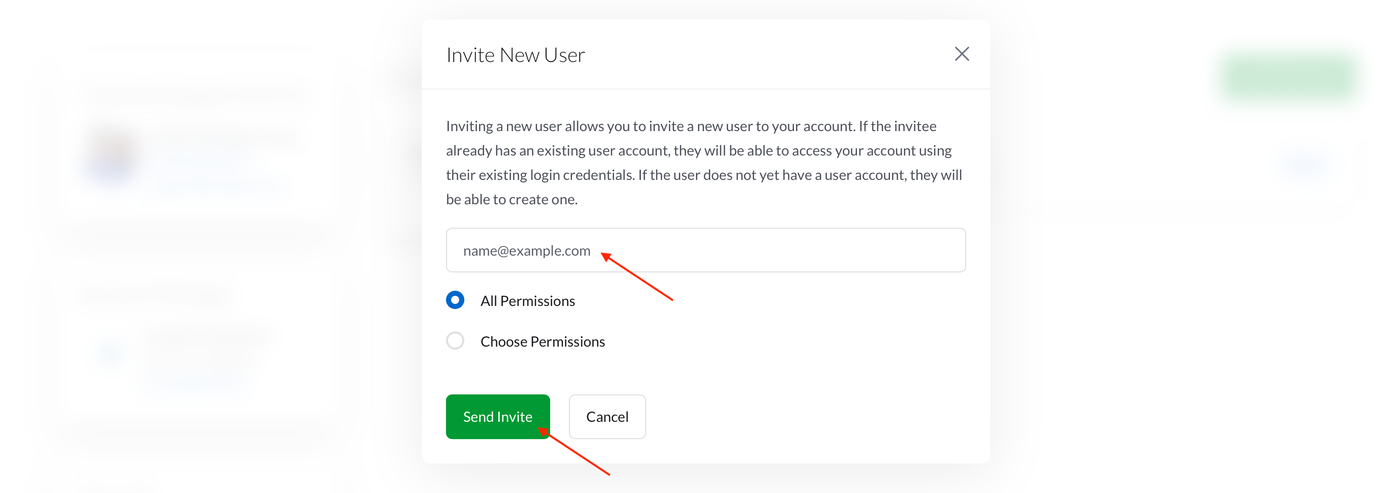
5. Enter the Email for the person you're inviting and click the Send Invite button.
Inviting Maper as a Delegate (Developer Support)
5.1. Enter hello[at]simp.co as email address.
6. An invitation email will be sent to the user. Once the invitation is accepted, the user will be added to the User Management page.