

Affiliate Program - Inviting Downline to Join Their Network
NOTE:
This feature is available as a paid module of Affiliate Program.
The Network feature allows your affiliates to invite other people to join your affiliate program and build their own affiliate networks.
Affiliates who join under an existing affiliate are known as downline affiliates. Depending on your multi-tier commission settings, the affiliate who invited them may earn additional commissions from their referrals.
You can share the following instructions with your affiliates to help them use this feature.
1. Log in to Affiliate Portal.
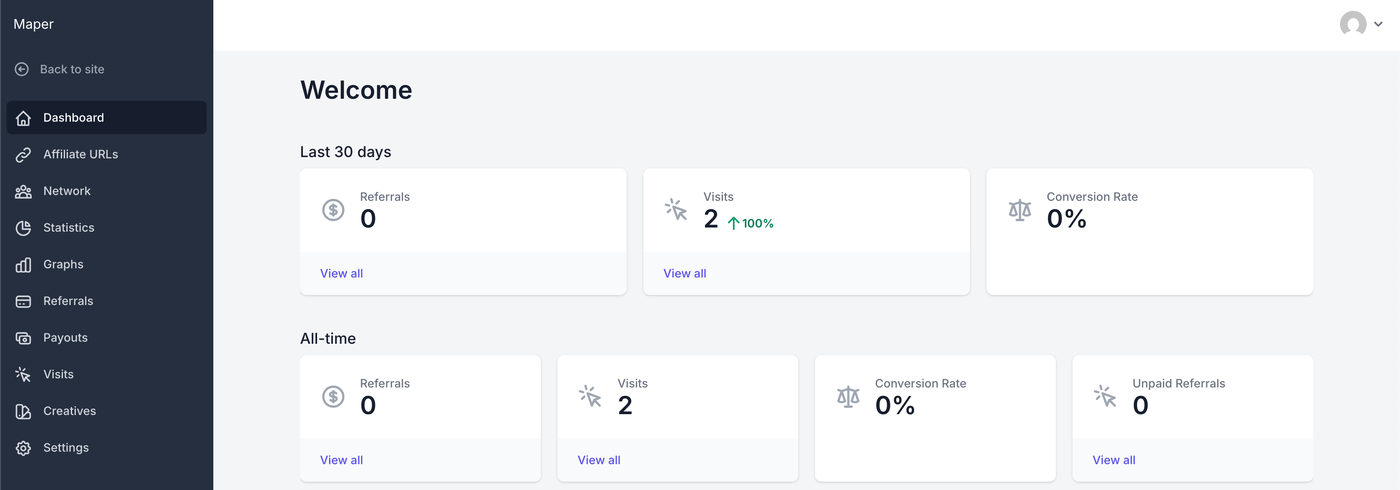
2. Click the Network menu item.
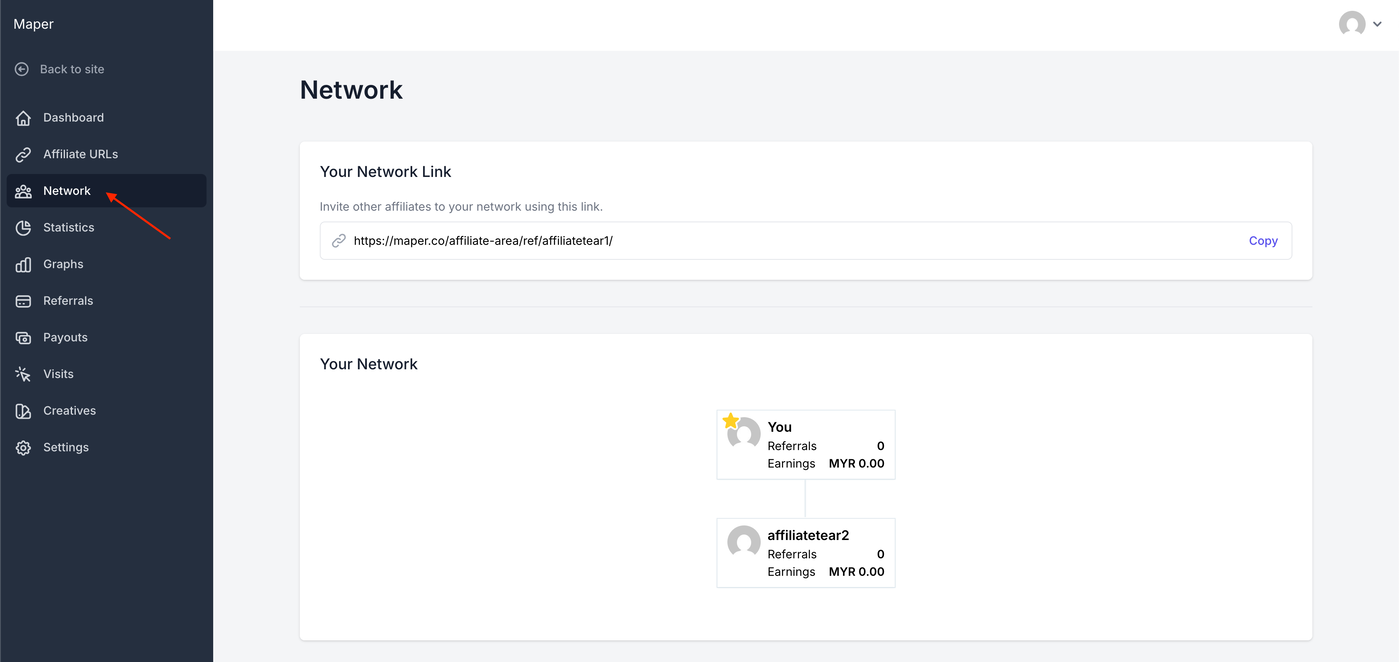
3. Click the Copy button.
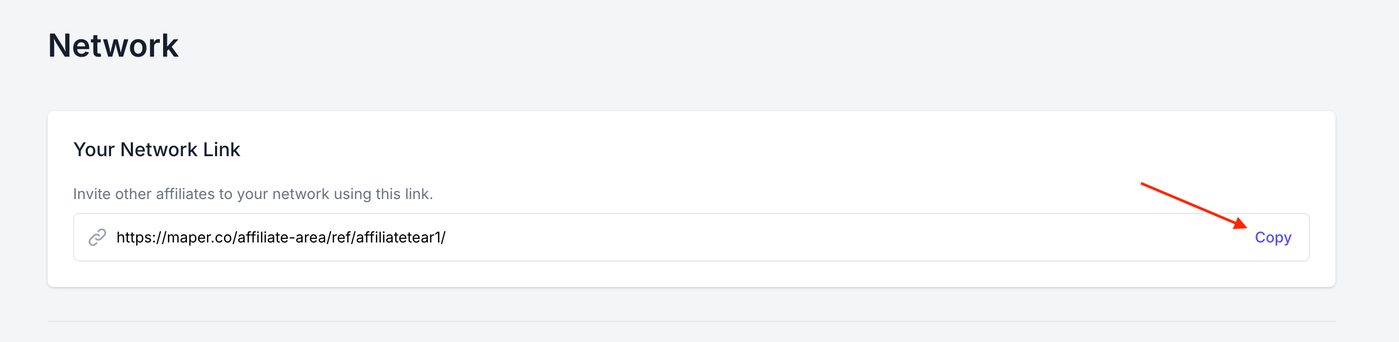
4. Share the copied network link with the person they want to invite.
5. Ask the person to open the link and register an account.
Once the person completes registration through the network link, they should be added to the inviting affiliate's network as a downline affiliate.